AI-Native vs AI-Added: The Architectural Difference That Defines the Next Generation of Apps
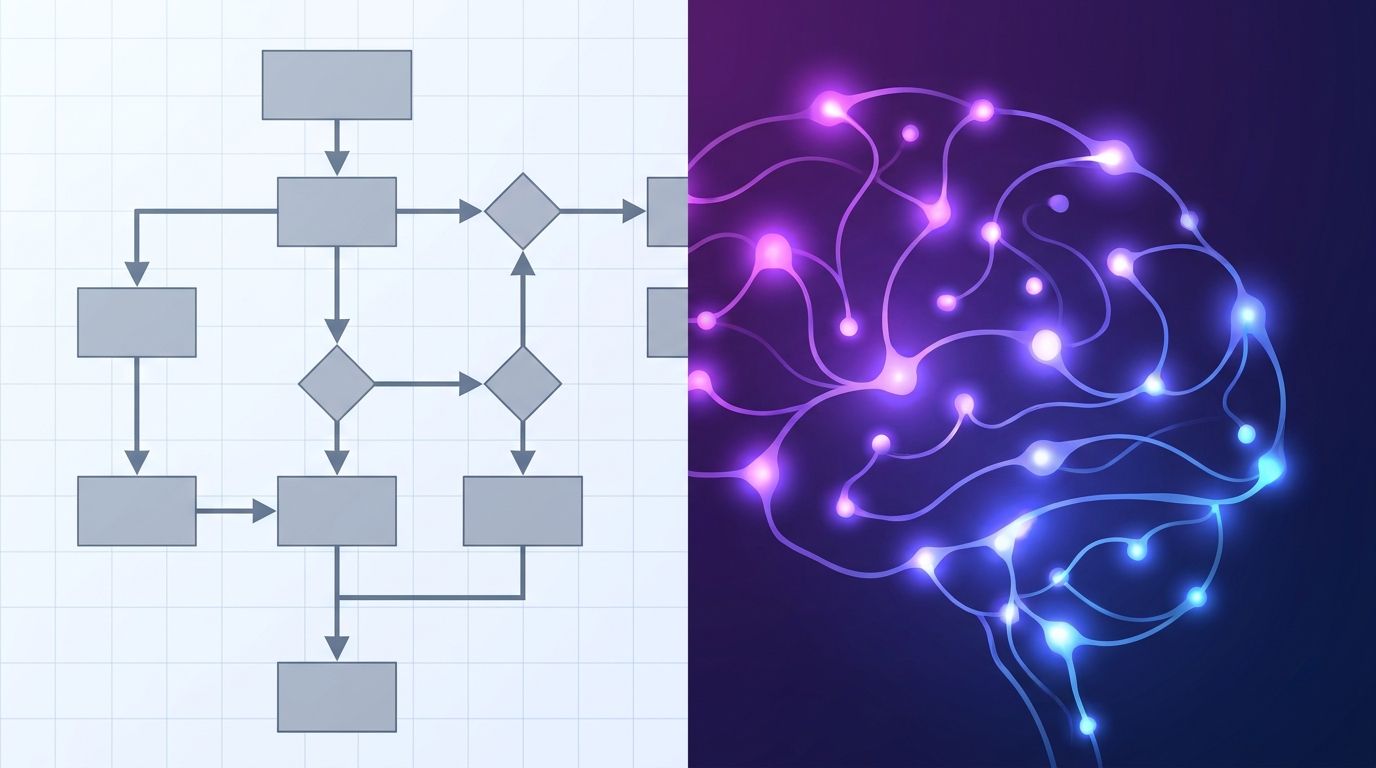
There is a distinction worth drawing in how AI has entered software, and most product conversations blur past it. Some applications have added AI: a search box that now understands natural language, a writing tool with an autocomplete layer, a dashboard with an AI-generated summary widget. Others were built AI-native from the start, where the model is not a feature bolted on but the core reasoning layer the application is designed around. The difference is architectural, and it produces fundamentally different products.
The Structural Difference
In a traditional application, the logic is deterministic. A user action triggers a function, the function processes inputs according to predefined rules, and it returns a predictable output. The developer wrote the rules; the application executes them. AI can be added to this structure -- typically as a call to an external model API that handles a specific, bounded task -- but the overall architecture remains rule-based. The AI is a tool the application uses, not the mechanism by which it reasons.
In an AI-native application, the model is in the critical path of core functionality. The application does not just call AI for specific tasks; it delegates reasoning to the model. User intent is interpreted contextually rather than parsed against a menu of predefined actions. The workflow the application follows may be determined at runtime by the model rather than written in advance by a developer. This requires a fundamentally different architecture: context management to maintain conversation state, retrieval layers to ground model outputs in current data, evaluation pipelines to monitor output quality, and graceful degradation for when the model produces low-confidence outputs.
What This Looks Like in Practice
The contrast becomes concrete in customer-facing workflows. A traditional support application routes users through a decision tree: select a category, answer a series of questions, reach a resolution. Adding AI to this means perhaps understanding freeform text input to route more accurately. An AI-native support system has no decision tree. The model reads the user's message, queries relevant context from a vector store, synthesizes a response, and determines whether to escalate based on the content -- not based on which branch of a tree the user navigated to. The difference in user experience is significant; the difference in what you have to build is even larger.
Or consider a code editor. GitHub Copilot added AI to an existing IDE paradigm -- autocomplete, but smarter. Cursor and its successors were built around the idea that the model should be able to read and write across the entire codebase, understand the developer's intent at a project level, and take multi-step actions. The architecture required -- large context windows, file-level indexing, model-driven diff generation, rollback mechanisms -- is different in kind from adding a smart autocomplete to an existing editor.
The Data Architecture Problem
The hardest part of building AI-native is not the model integration. Models are accessible, API costs have dropped dramatically, and inference is fast. The hard part is data. AI-native applications need retrieval infrastructure that can surface relevant context at query time, handle unstructured data (documents, conversation history, code, emails) alongside structured data, and do so at a latency that does not break the user experience.
Vector databases have become a core piece of this stack, but they are not a complete solution. Chunking strategies, embedding model choice, re-ranking, and hybrid retrieval combining semantic and keyword search all affect output quality in ways that are not obvious and require ongoing tuning. Teams that underinvest in retrieval infrastructure get an application that sounds intelligent but produces confidently wrong answers about its own data -- the worst outcome for user trust.
The Reliability Gap
Adding AI to an application means accepting a new category of failure: probabilistic outputs that are occasionally wrong. This is manageable when the AI is handling a peripheral task. It is a product-defining challenge when the AI is the core reasoning layer. AI-native teams spend significant engineering time on evaluation pipelines -- systematic testing of model outputs against expected results across representative inputs -- and on user feedback loops that surface failures quickly enough to address them before they erode trust at scale.
This is genuinely different from traditional software quality assurance. You cannot write a unit test that covers all possible inputs to a language model. What you can do is define expected output properties, measure them continuously, and build fallback paths for low-confidence situations. The teams that do this well end up with reliable products; the teams that treat the model as a black box that is someone else's problem tend to discover the problem via user complaints.
When to Build AI-Native vs Add AI
Not every product should be AI-native. Adding an AI summary to a reporting tool is often the right call -- it delivers real value without requiring a complete architectural rethink. The question worth asking before committing to an AI-native architecture is whether the core value proposition of the application depends on dynamic reasoning over variable context, or whether it can be delivered by a well-defined deterministic system with AI enhancing specific touchpoints.
If the answer is the former, building AI-native from the start is substantially easier than retrofitting it. The retrieval infrastructure, the context management, the evaluation systems -- these are much harder to add to an existing architecture than to design in from the beginning. The teams that are winning with AI-native products in 2026 are almost uniformly the ones who made that architectural bet early.