Passkeys hit mainstream adoption — here's what the end of passwords actually looks like
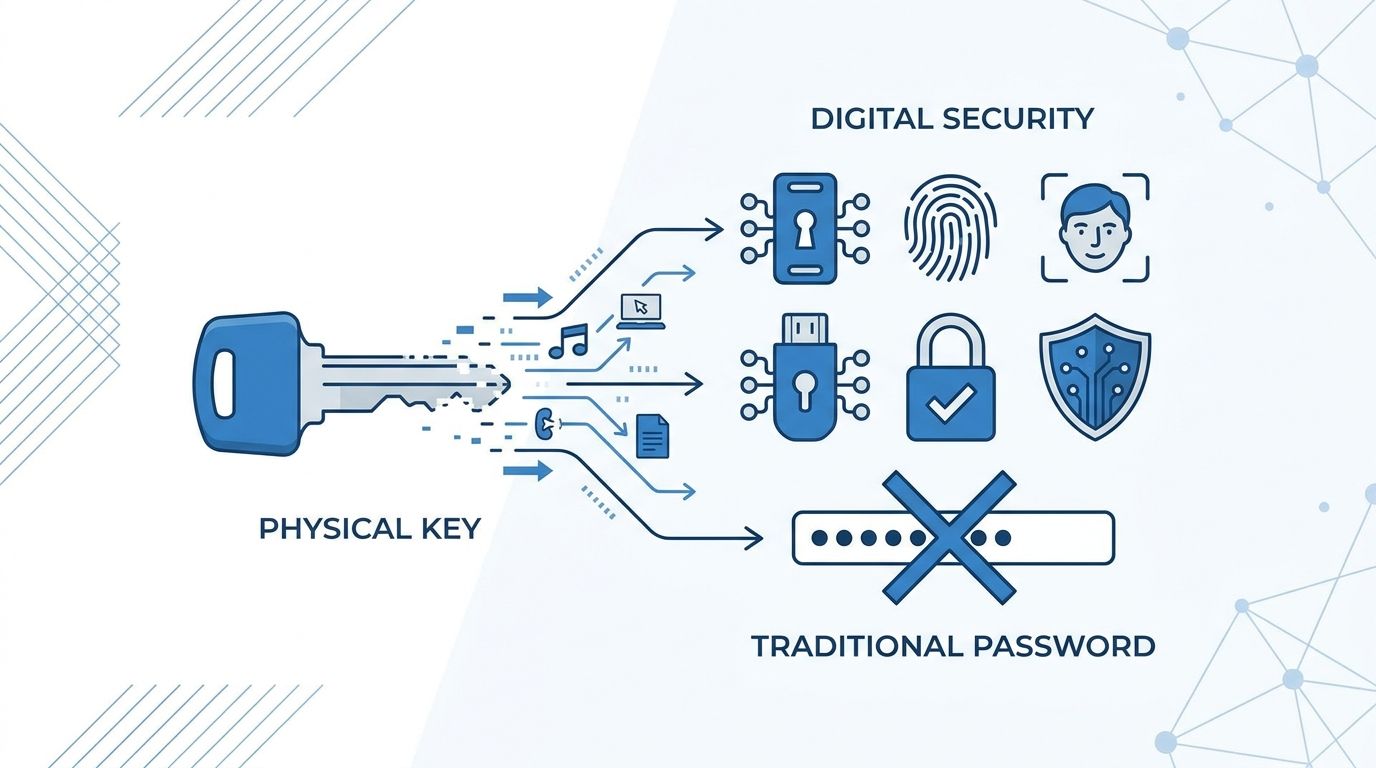
Passkeys are no longer an experimental feature buried in developer settings. As of 2025, more than 15 billion user accounts across Apple, Google, and Microsoft platforms are passkey-enabled, and major consumer services — from PayPal to GitHub to Amazon — have deployed WebAuthn-based authentication. The industry has crossed the threshold from early adoption to mainstream infrastructure.
Why Passwords Failed
The case against passwords is not theoretical. The 2024 Verizon Data Breach Investigations Report found that stolen or weak credentials were involved in 77% of web application breaches. Have I Been Pwned indexes over 14 billion compromised accounts from known breaches. Password managers help — but they protect against weak passwords, not phishing. A convincing fake login page still captures whatever the user types, regardless of how strong the password is.
Credential stuffing — taking breached username/password pairs and trying them across other services — works precisely because users reuse passwords. phishing works because users cannot reliably distinguish real login pages from fake ones. These are structural problems with shared-secret authentication, not problems that can be patched with better user education.
How Passkeys Actually Work
A passkey is a cryptographic key pair generated on your device. The private key never leaves the device — it's stored in a secure enclave, the device's TPM, or a hardware security element. The public key is registered with the service and stored on their servers. This is the fundamental break from passwords: the server never holds a secret.
Registration
When you create a passkey for a site, your device generates a unique key pair for that site. The public key is sent to the server and associated with your account. The private key is protected by your device's authentication method — biometrics (Face ID, Touch ID, Windows Hello), PIN, or pattern — and stored in hardware-backed secure storage.
Authentication
When you sign in, the server sends a cryptographic challenge — a random nonce. Your authenticator (device secure enclave or TPM) signs that challenge with the private key, after verifying your presence via biometric or PIN. The server verifies the signature against the stored public key. No password travels over the network. No shared secret can be phished. Even if an attacker intercepts the signed challenge, it cannot be reused — the nonce is single-use and scoped to that specific origin domain, which defeats replay attacks and domain-spoofing phishing.
The binding to the exact origin domain is what makes passkeys phishing-resistant by design. A fake paypa1.com page cannot receive a valid passkey authentication for paypal.com. The browser enforces this at the protocol level via the WebAuthn specification, formalized as FIDO2 by the FIDO Alliance.
Where Passkeys Are Deployed Today
The platform-level support is now comprehensive:
- Apple: iCloud Keychain syncs passkeys across iPhone, iPad, and Mac via end-to-end encrypted iCloud sync. Supported in iOS 16+ and macOS Ventura+.
- Google: Google Password Manager syncs passkeys across Android devices and Chrome on Windows/macOS. Google accounts themselves support passkey sign-in — over 800 million Google accounts have used passkeys as of 2024.
- Microsoft: Windows Hello (TPM-backed PIN, fingerprint, or face recognition) handles passkeys on Windows 11. Microsoft accounts support passkey authentication.
- Third-party managers: 1Password, Dashlane, and Bitwarden all support passkey storage, enabling cross-platform passkey portability outside native platform ecosystems.
On the service side, major deployments include:
- Google — passkey sign-in for all Google Workspace and consumer accounts
- Apple — Apple ID passkey support across all Apple services
- GitHub — passkeys as a primary authentication method since 2023
- PayPal — passkey rollout covering US users, expanded internationally
- Amazon — passkey support across consumer accounts
- Best Buy, Target, CVS, Shopify — consumer retail passkey adoption accelerating
- DocuSign, Kayak, Robinhood, Zoho — SaaS and fintech adopters with live deployments
The FIDO Alliance reported that over 12 billion online accounts are now passkey-ready as of late 2024, with the number growing as more services complete rollouts.
Remaining Friction Points
Adoption is real, but the transition is not frictionless.
Cross-platform sync
The biggest practical limitation is ecosystem lock-in. A passkey created in Apple Keychain does not automatically appear in Google Password Manager. A user switching from iPhone to Android faces re-enrolling passkeys on every service. The FIDO Alliance's Cross-Device Authentication (CDA) specification and pending work on passkey import/export — approved in principle in 2024 — should address this, but implementations are still rolling out as of mid-2025.
Enterprise MDM deployment
In enterprise environments, passkeys tied to personal devices create policy challenges. If an employee's personal iPhone holds the passkey to a corporate service, what happens when they leave the company? Enterprise-grade passkey deployment requires MDM integration, hardware security keys (YubiKey, Google Titan) for shared workstations, and identity provider (IdP) support — Okta, Microsoft Entra ID, and Ping Identity now offer passkey support, but enterprise rollouts are complex. Fully replacing LDAP/Active Directory password flows takes multi-year planning.
Account recovery
Passkeys shift the recovery problem rather than eliminating it. If a user loses all enrolled devices and doesn't have a backup passkey registered, account recovery falls back to email verification, support tickets, or backup codes — all weaker links. Services are implementing multiple passkey enrollment (enroll on both phone and laptop) and cross-platform backup options, but user education on registering multiple authenticators is lagging behind deployment.
Legacy system migration
Enterprises running on-premises systems — old VPNs, ERP systems, mainframe authentication — face years-long migration timelines. Password-based authentication is deeply embedded in SSO configurations and internal tooling. Realistically, hybrid environments (passkeys for new services, passwords + MFA for legacy) will be the norm through 2027-2028.
What To Do Now
For individuals
- Enable passkeys on every service that supports them — start with your Google account, Apple ID, and GitHub. These are your highest-value targets for attackers.
- Register a passkey on at least two devices for each critical service (phone + laptop) to avoid lockout scenarios.
- If your password manager supports passkeys (1Password, Bitwarden), store them there for cross-platform portability.
- For services not yet supporting passkeys, use 2FA with an authenticator app — not SMS.
For enterprise and IT/security teams
- Audit your IdP's passkey support now. Okta, Microsoft Entra, Duo, and Ping all have passkey capabilities — verify your current configuration exposes them to users.
- Pilot passkeys for phishing-resistant MFA in 2025. Start with high-risk roles: IT admins, finance, executives. These accounts are targeted first in phishing campaigns.
- Establish hardware security key policy for shared or unmanaged devices. YubiKey 5 series and Google Titan keys support FIDO2 and provide passkey functionality without requiring a personal device.
- Build your legacy migration roadmap for 2026-2027. Inventory which internal systems support SAML/OIDC — those can be updated to support passkeys via IdP — and which require protocol-level upgrades or replacement.
- Update your incident response playbook. Passkeys eliminate password-spray and phishing vectors, but device compromise becomes the new attack surface. Ensure MDM can remotely revoke passkey-capable devices.
The password is not dead yet — it will co-exist with passkeys in hybrid deployments for years. But the authentication infrastructure underneath consumer internet services has genuinely shifted. The question for security teams is no longer whether to adopt passkeys, but how fast the migration can move without breaking legacy systems or locking out users. The tooling is ready. The timeline is now.