SSH Key Pairs Have a Sprawl Problem. Certificates Are the Fix.
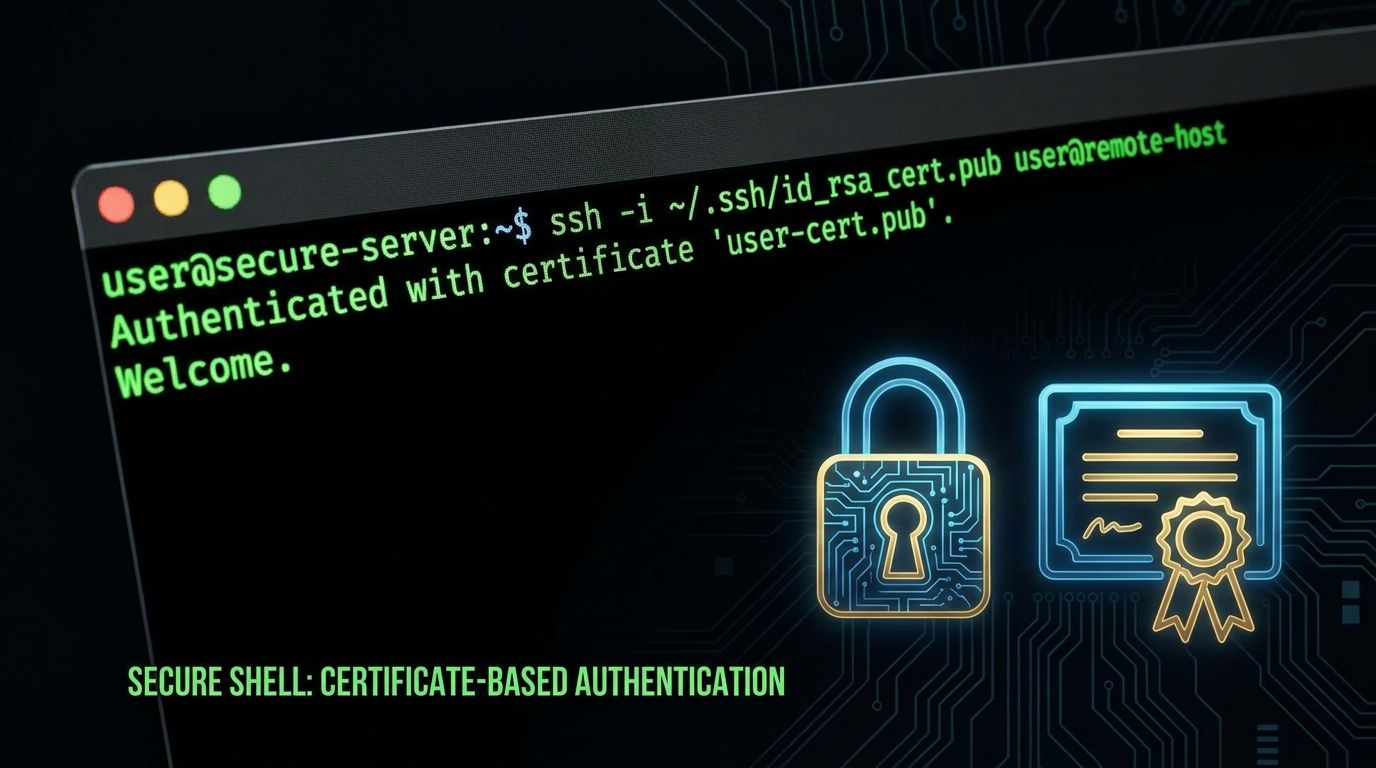
SSH key pairs work fine for three servers. At thirty, they become a security liability. At three hundred, they are a compliance nightmare. Stale keys accumulate with no expiry enforcement, no central revocation mechanism, and no audit trail connecting a key to a specific login event. SSH certificates solve all three of these problems without changing anything about how engineers connect to servers.
The SSH Key Sprawl Problem
The average SSH key lifetime in an organization with more than 100 engineers is 4.3 years, according to Venafi's 2024 Machine Identity Management survey. Engineers join, generate a key pair, paste their public key into authorized_keys on every server they need, and then — nothing changes when they leave. Offboarding checklists miss servers. Keys live on.
The structural problems with SSH key pairs at scale:
- No expiry. A key created in 2019 is just as valid in 2026 unless someone manually removes it from every
authorized_keysfile on every server it was added to. - No central revocation. If a private key is stolen or a laptop is lost, revoking access means SSH-ing into every affected server and editing
authorized_keys. In a 200-server environment, this takes hours — if you even know which servers have the key. - No audit trail.
sshdlogs which key fingerprint authenticated a session, but there is no authoritative record connecting that fingerprint to a specific engineer's identity at the time of issuance. Key fingerprints are not identities. - Lateral movement risk. A stolen key grants access to every server where it was added. There is no scope restriction, no time boundary, and no way to limit a key to a specific source IP after issuance.
None of these are hypothetical. The 2020 Twitter breach involved an insider using SSH access obtained via social engineering. Key sprawl made scoping the incident significantly harder.
How SSH Certificates Work
An SSH Certificate Authority (CA) is itself just an SSH key pair — typically ed25519. Instead of distributing user public keys to servers, you configure servers to trust the CA's public key. The CA then signs individual user public keys to produce certificates.
A signed SSH certificate includes the following fields:
- Principals: the list of usernames or groups this certificate is valid for (e.g.,
alice,eng-team) - Valid after / Valid before: hard timestamps — the certificate is cryptographically invalid outside this window
- Source address restriction: optional IP range from which this cert can be used
- Extensions: capabilities like
permit-pty,permit-port-forwarding,permit-agent-forwarding— each can be granted or denied per certificate - Certificate serial number: a unique identifier that appears in
sshdauth logs
The server's sshd_config contains a single line: TrustedUserCAKeys /etc/ssh/ca_user_key.pub. That is the only configuration change needed. No more managing authorized_keys files.
Setting Up Your Own CA in 15 Minutes
You do not need Teleport or HashiCorp Vault to get started. OpenSSH ships with everything required.
Step 1 — Generate the CA key on a secure host:
ssh-keygen -t ed25519 -f /etc/ssh/ca_user_key -C "SSH User CA"Keep ca_user_key (private) offline or in a secrets manager. Distribute ca_user_key.pub to every server.
Step 2 — Configure sshd on each server:
TrustedUserCAKeys /etc/ssh/ca_user_key.pubReload sshd. The server will now accept any certificate signed by this CA, subject to principal and validity constraints.
Step 3 — Issue a certificate to a user:
ssh-keygen -s ca_user_key -I "[email protected]" -n alice -V +8h alice.pubThis produces alice-cert.pub. The -I flag sets the key ID (logged on auth), -n alice sets the principal, -V +8h makes it valid for 8 hours from now.
Step 4 — The user connects normally:
ssh alice@prod-server-01OpenSSH automatically presents the certificate alongside the private key. No change to the user's workflow.
Short-Lived Certificates + Identity Platforms
Manual cert issuance works for small teams. For production at scale, you want automated issuance tied to your identity provider.
Teleport acts as both the SSH CA and a proxy layer. Engineers authenticate via Okta or Azure AD SSO, Teleport issues a short-lived cert (default 12 hours), and all session activity is recorded. Revoking access means removing the user from the IdP group — no server changes needed.
HashiCorp Vault SSH Secrets Engine provides the CA functionality without the proxy layer. Configure a Vault role:
vault write ssh/roles/eng-ssh \
  key_type=ca \
  allowed_users="*" \
  default_user=ubuntu \
  ttl=8h \
  max_ttl=24h \
  allowed_extensions="permit-pty,permit-port-forwarding"
Engineers authenticate to Vault (via OIDC/Okta/Azure AD + MFA), request a cert with vault ssh -role eng-ssh -mode ca -mount-point ssh user@host, and receive a time-limited certificate. Vault logs every issuance with the requesting identity.
AWS EC2 Instance Connect uses the same model natively for EC2 instances — push a temporary public key (valid 60 seconds), connect, done. No persistent authorized_keys at all.
Key revocation in any of these systems is instant. Stopping the CA from issuing new certs to a user means all their existing certs expire within hours at most. Compare that to manually hunting down key entries across hundreds of servers.
Host Certificates: The Other Half
SSH certificates work in both directions. User certificates authenticate users to servers; host certificates authenticate servers to users.
Without host certificates, SSH uses TOFU (Trust On First Use) — the first time you connect to a host, you are prompted to accept its fingerprint. This is vulnerable to MITM attacks via fake host keys, and the prompt trains engineers to click through security warnings.
With a host CA, you sign each server's host key:
ssh-keygen -s ca_host_key -I "prod-server-01" -h -n prod-server-01,10.0.1.5 -V +52w /etc/ssh/ssh_host_ed25519_key.pubAdd the CA to client known_hosts:
@cert-authority *.internal.example.com ssh-ed25519 AAAA... SSH Host CANow every server in your fleet is automatically trusted by every client. No fingerprint prompts. No TOFU. If a server is compromised and its host key changes, clients will reject the connection immediately.
The Audit Trail You Actually Get
With certificate-based authentication, every login event carries a certificate serial number. Enable verbose logging in sshd_config:
LogLevel VERBOSEAuth log entries now look like:
Accepted publickey for alice from 10.0.1.22 port 52341 ssh2: ED25519-CERT SHA256:... ID [email protected] (serial 42) CA ED25519 SHA256:...Serial 42 maps back to a specific Vault issuance log entry or Teleport audit event with the full identity context: who requested the cert, when, from what IP, after authenticating via which MFA method. This is the audit trail SIEM tools and compliance auditors actually need — not a key fingerprint divorced from any identity.
Migration Path
Migrating an existing fleet is straightforward if done in order:
- Audit first. Run
find / -name authorized_keys 2>/dev/nullacross your fleet (or use a config management tool). Document every key, when it was added, and who owns it. - Add CA trust without removing existing keys. Add
TrustedUserCAKeystosshd_configon all servers. Existing key-based auth continues working. - Issue certificates to all engineers. Have every engineer generate a new key pair and get it signed, or enroll in Teleport/Vault to get automated cert issuance.
- Run parallel for 30 days. Both methods work during this window. Monitor auth logs to confirm all production logins are coming in via certificates.
- Remove raw keys. After 30 days of clean cert-only logins, remove the old
authorized_keysentries. - Break-glass key. Keep one long-lived key pair in a sealed secrets vault (e.g., HashiCorp Vault with break-glass policy) for emergency access if the CA becomes unavailable. Audit access to it quarterly.
The migration does not require any downtime and engineers notice almost no change to their day-to-day workflow — except that they no longer get fingerprint prompts for new servers.
The Takeaway
Certificate-based SSH is not more complex to use than key-based auth. For engineers, the experience is identical or simpler — no manual key distribution, no fingerprint prompts, no "paste your public key into this Slack thread." For security teams, it provides central control, instant revocation, enforced expiry, and a per-session audit trail tied to real identities. The tooling — OpenSSH, Teleport, HashiCorp Vault, AWS EC2 Instance Connect — is mature and well-documented. The only thing stopping most teams from switching is inertia.