USB4, Thunderbolt 5, and 120 Gbps: The Port on Your Laptop Is More Capable Than You Think
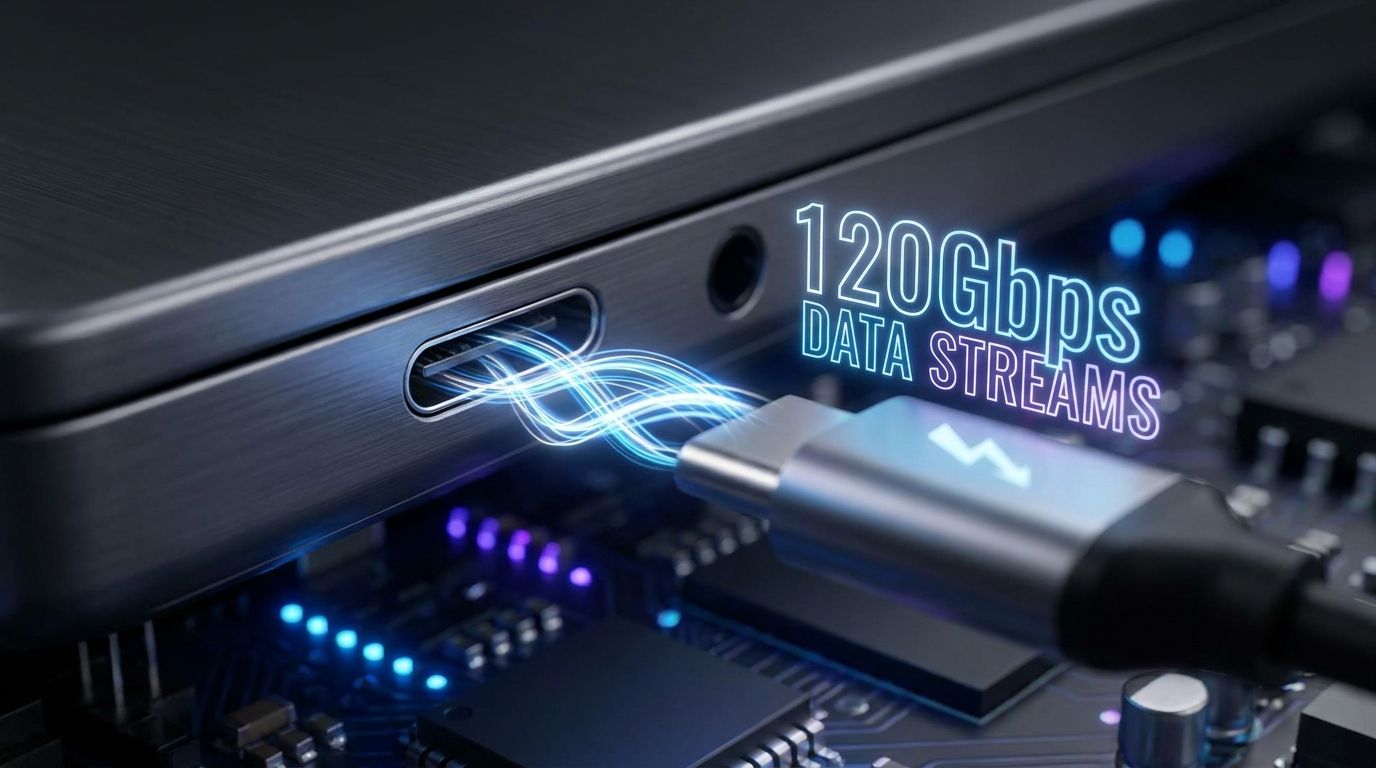
The USB-C port on your laptop looks identical whether it's running at 5 Gbps or 120 Gbps. There is no visible difference. The same oval connector, the same cable — yet the gap in actual capability is the difference between a port that handles a mouse and a port that can drive triple 4K displays, feed an external GPU, and transfer files at 9 GB/s simultaneously. USB4 version 2.0 and Thunderbolt 5, both shipping in 2023–2026 devices, have turned that humble port into one of the most powerful interfaces ever put on a consumer laptop. Here is how to understand what you actually have — and what it enables.
The USB Speed Taxonomy (Finally Clarified)
USB naming has been a disaster for a decade. Here is the current hierarchy, sorted by bandwidth:
- USB 3.2 Gen 1 — 5 Gbps (formerly called USB 3.0, USB 3.1 Gen 1)
- USB 3.2 Gen 2 — 10 Gbps (formerly USB 3.1, USB 3.1 Gen 2)
- USB 3.2 Gen 2×2 — 20 Gbps (two lanes at 10 Gbps each)
- USB4 Gen 2×2 — 20 Gbps (USB4 first tier, same physical connector)
- USB4 Gen 3×2 — 40 Gbps (equivalent to Thunderbolt 3 and Thunderbolt 4)
- USB4 version 2.0 Gen 4×2 — 80 Gbps (new standard, 2023+, doubles the bandwidth)
- Thunderbolt 5 — 80 Gbps symmetrical / 120 Gbps asymmetric (Intel-certified superset with Bandwidth Boost mode)
Every single one of these uses the exact same USB-C physical connector. A cable you bought for a USB 2.0 charger and a Thunderbolt 5 cable are physically interchangeable — but their actual data capacity differs by a factor of 24. The only reliable ways to know what you have: check the laptop's official spec sheet, or look for the Thunderbolt lightning bolt logo (⚡) printed next to the port.
What Thunderbolt 5 / USB4 v2.0 Enables at 80–120 Gbps
At 80 Gbps symmetrical, the math on what becomes possible changes dramatically:
- External GPUs at full PCIe 4.0 x4 bandwidth. Thunderbolt 4's 40 Gbps cap imposed a PCIe 3.0 x4 equivalent constraint — fine for productivity, but a real bottleneck in gaming. At 80 Gbps, Thunderbolt 5 delivers PCIe 4.0 x4 throughput, cutting the eGPU performance penalty from roughly 20% down to under 10% for most workloads.
- Triple 4K @ 60Hz displays, or dual 8K @ 60Hz, over a single cable. DisplayPort 2.1 tunneling through Thunderbolt 5 provides 77.4 Gbps of display bandwidth — enough for monitor configurations that would have required dedicated graphics cards just two years ago.
- External NVMe RAID arrays exceeding 9 GB/s. Modern NVMe SSDs in RAID 0 can push 12–14 GB/s — but until now the cable was the bottleneck. At Thunderbolt 5, the bus can handle up to 10 GB/s of sustained storage throughput, meaning SSDs can finally saturate the connection.
- Single-cable docking at a new tier. Thunderbolt 5 docks like the CalDigit TS5 Plus or OWC Thunderbolt 5 Dock deliver 8K display output, 100W+ laptop charging, 10GbE network connectivity, and multiple USB-A/USB-C ports — all over one cable.
- DisplayPort 2.1 UHBR20 tunneling enables 16K display support (forward-looking, as 16K panels approach the market) without needing a separate video cable.
Thunderbolt 5 vs USB4 v2.0 — What's Different
Both hit 80 Gbps, but they are not the same thing:
Thunderbolt 5 (Intel-certified)
- Requires full Intel certification — manufacturers pay for the TB5 logo
- Bandwidth Boost mode: 120 Gbps asymmetric — in display-heavy workloads, TB5 borrows upstream bandwidth and reallocates it downstream, hitting 120 Gbps one-way for video output while maintaining 40 Gbps upstream
- Mandates minimum port power delivery (15W from device to accessory)
- Strict cable spec: passive cables certified for full speed up to 1 meter; active cables required for 2 meters or longer
- Backward compatible with Thunderbolt 4, Thunderbolt 3, USB4, USB 3.x
USB4 v2.0 (open standard)
- Open standard — any chipmaker can implement it without Intel licensing
- 80 Gbps symmetrical maximum — no Bandwidth Boost, no 120 Gbps mode
- No mandatory certification requirement — implementations vary
- AMD and other chipmakers can ship USB4 v2.0 without Intel involvement
Who ships what in 2024–2026
- Thunderbolt 5: Apple MacBook Pro with M4 Pro and M4 Max, Intel Core Ultra 200H/HX laptops (Razer Blade 18 2025, ASUS ROG Zephyrus G16 2025, Lenovo ThinkPad X1 Extreme Gen 7)
- USB4 v2.0: AMD Ryzen AI 300 series laptops (Strix Point), select AMD Ryzen 9000 series desktop motherboards
- Still on USB4 Gen 3×2 / TB4 at 40 Gbps: most mainstream laptops from 2022–2024
The Cable Problem
This is the most overlooked issue in the entire ecosystem. USB4 v2.0 and Thunderbolt 5 require a cable rated for 80 Gbps. The majority of USB-C cables sold in retail stores — including the ones bundled with monitors, chargers, and cheap hubs — are USB 2.0 cables rated for 480 Mbps or USB 3.2 cables rated for 5–10 Gbps. Plugging a Thunderbolt 5 dock into your TB5 laptop with a random USB-C cable will negotiate to 10 Gbps or less. You will get no error message. It will simply run at a fraction of its capability.
What to look for:
- Cables explicitly labeled "USB4 Gen 4" or "Thunderbolt 5"
- Anker's 140W and 240W USB-C cables with speed ratings printed on the cable itself (look for "40Gbps" or "80Gbps" in the product name)
- Any cable with the Thunderbolt 5 ⚡⚡ double-lightning bolt logo
- For runs over 1 meter: active cables only — passive Thunderbolt 5 cables top out at 1 meter for full 80 Gbps
Intel's Thunderbolt 5 specification mandates that certified passive cables achieve full speed at up to 1 meter. For 2-meter runs, active cable technology (with signal repeaters built into the connector) is required. This is non-negotiable — passive 2m cables will drop to lower negotiated speeds.
Which Laptops and Devices Have It
Thunderbolt 5 laptops (as of 2025–2026)
- Apple MacBook Pro 14" and 16" with M4 Pro or M4 Max (three TB5 ports)
- Razer Blade 18 (2025) — Intel Core Ultra 200HX
- ASUS ROG Zephyrus G16 (2025) — Intel Core Ultra 200H
- Lenovo ThinkPad X1 Extreme Gen 7
- Dell XPS 15/16 (2025 refresh)
USB4 v2.0 laptops
- AMD Ryzen AI 300 series (Strix Point) laptops — ASUS ROG Zephyrus G14 2024, HP OmniBook Ultra 14
- Select AMD Ryzen 9000 desktop boards (check spec sheet — not all ports on a given board are USB4 v2.0)
Thunderbolt 5 / USB4 v2.0 docks and accessories
- CalDigit TS5 Plus — TB5 dock, 8K display out, 10GbE, 12 ports, 98W charging
- OWC Thunderbolt 5 Dock — 10Gbps USB-A, SD card, 8K display, 96W charging
- Kensington TB5 Hub — compact option with 120W charging
- All of these require a Thunderbolt 5 host to achieve full speed; connected to a TB4 host, they fall back to 40 Gbps
The External GPU Angle
eGPUs over Thunderbolt 4 were a compromise that worked acceptably for productivity but imposed a measurable penalty in gaming and ML inference. The math: Thunderbolt 4's 40 Gbps of total bandwidth, shared between display output, PCIe data, and USB, left the PCIe link to the GPU at roughly PCIe 3.0 x4 equivalent — about 20% slower than a desktop slot in bandwidth-intensive scenarios.
Thunderbolt 5 changes this meaningfully. At 80 Gbps symmetrical (or 120 Gbps in Bandwidth Boost mode), the PCIe allocation to an eGPU reaches PCIe 4.0 x4 equivalent. Independent benchmarks of Thunderbolt 5 eGPU setups (Razer Core X connected to an RTX 4080 via TB5) show the performance gap dropping to under 10% versus the same GPU in a desktop system. For a thin laptop that needs burst GPU performance for ML inference or light gaming, that gap is now acceptable in a way it wasn't at 40 Gbps.
The remaining constraint is latency — the round-trip PCIe latency over a cable is higher than over a motherboard trace — but for batch inference and gaming (where per-frame latency is measured in milliseconds), this is not a practical issue.
The Bottom Line
The USB-C port on a 2025 MacBook Pro with M4 Max or an Intel Core Ultra 200H laptop is one of the most capable interfaces ever shipped on a consumer device. It can simultaneously carry power delivery, PCIe 4.0 data to an external GPU, DisplayPort 2.1 signal to an 8K display, USB tunneling, and 10GbE networking — all over a single cable thinner than a pencil.
But that capability is entirely conditional on the host chip, the port firmware, the dock or peripheral, and the cable all being rated for it. A wrong cable silently drops you from 80 Gbps to 10 Gbps with zero indication. Before purchasing a Thunderbolt 5 dock (they start at $200 and go well past $400), check three things: your laptop's spec sheet confirms TB5 or USB4 v2.0, the dock matches, and the cable in the box is rated to spec. Get all three right, and you have a port that makes a MacBook Pro or a thin gaming laptop genuinely competitive with a desktop for most professional workloads.