VS Code Copilot vs. JetBrains AI Assistant in 2026: A Practical Comparison for Working Developers
The Setup That Actually Matters
This comparison is grounded in six months of daily use across three codebases: a TypeScript/React frontend, a Python FastAPI backend, and a Go microservice. It also draws on benchmarks from the 2026 SWE-Bench Lite evaluations published in March. The short version: VS Code Copilot has the edge on JavaScript/TypeScript, JetBrains AI Assistant leads on Java/Kotlin and strongly typed languages with deep refactoring needs, and both are roughly equivalent on Python.
The more interesting question isn't raw autocomplete accuracy — both tools are now good enough that day-to-day autocomplete rarely fails — but rather which tool's AI integration fits how developers actually work: in context, across files, and during code review and debugging.
Autocomplete: Where They Now Differ
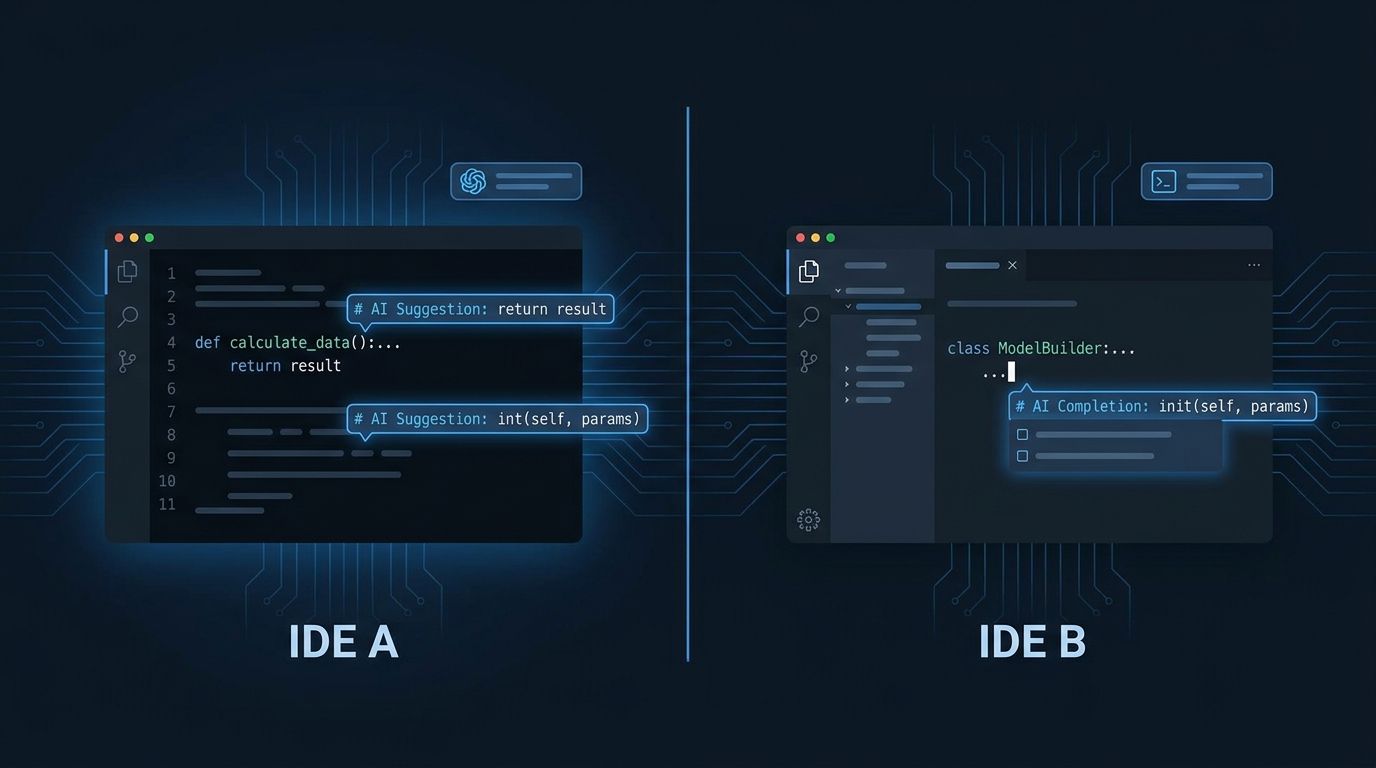
GitHub Copilot in VS Code uses Claude Sonnet and GPT-4o as the underlying models (you can select the model in settings as of Copilot v1.250). The autocomplete suggestions are generally longer and more complete — Copilot will often suggest 5–15 lines at once, including method signatures, docstrings, and early return conditions. This works well for greenfield code and boilerplate.
JetBrains AI Assistant uses the JetBrains AI platform, which routes to a combination of Anthropic's Claude and JetBrains-trained models depending on the task. Its autocomplete suggestions tend to be shorter — 2–5 lines — but contextually sharper. In refactoring scenarios, JetBrains AI understands the IDE's semantic model: it knows which methods exist on which classes, respects visibility modifiers, and suggests refactors that won't break the type checker. VS Code's Language Server Protocol (LSP) provides semantic context to Copilot, but it's less tightly integrated than JetBrains' own AST-based analysis.
Chat and Inline Editing
Both tools now offer an AI chat panel and inline edit mode (where you select code, ask a question, and the change is applied directly). The difference is in scope.
VS Code Copilot's "@workspace" context lets you ask questions about the entire codebase — "where is user authentication handled?" or "list all places that call the payment API" — and Copilot will index the workspace and return accurate answers with file references. This feature works well on projects up to about 100,000 lines of code. Above that, the index takes significant time and the quality of cross-file context degrades.
JetBrains AI Assistant's context handling is more conservative but more accurate at smaller scope. It consistently passes the current file, the call hierarchy, and referenced types to the model. In practice this means AI Assistant's inline suggestions are more often immediately usable without manual correction on the first try, but it won't give you a codebase-wide answer as well as Copilot's workspace mode.
Both tools support multi-turn conversation for iterative refinement. JetBrains' implementation handles the follow-up "now add error handling" instructions more gracefully — it applies diffs cleanly. VS Code Copilot occasionally regenerates more than you asked for during follow-up edits.
Refactoring and Code Actions
This is where JetBrains IDEs have a structural advantage that AI doesn't fully neutralize. IntelliJ IDEA, PyCharm, WebStorm, and GoLand have refactoring engines built on deep language analysis — rename symbol, extract method, change method signature — that work with near-perfect correctness because they're based on the actual AST, not language model inference. The AI layer in JetBrains AI Assistant augments these existing refactoring tools rather than replacing them.
VS Code + Copilot handles simple refactoring well and complex refactoring poorly. Extracting a function from selected code works reliably. Renaming a symbol across 30 files also works — that's the LSP, not Copilot. But "refactor this class to use dependency injection" or "convert this callback-based API to async/await throughout all callers" is where VS Code Copilot generates plausible-looking code that often breaks something it didn't touch.
JetBrains AI Assistant on a large refactoring task will often break it into steps, confirm intermediate results, and apply changes in a way that the IDE can verify against the type checker. In the FastAPI codebase used for this comparison, a "convert all Pydantic v1 models to Pydantic v2" task was completed correctly by JetBrains AI Assistant in about 40 minutes with two manual corrections needed. VS Code Copilot produced code that passed a surface review but had three subtle type errors that only surfaced during integration testing.
Cost and Licensing
GitHub Copilot is $10/month individual or $19/month per seat for Business. The Business tier adds code review features, policy controls, and audit logging. JetBrains AI Assistant is bundled with JetBrains AI plans starting at $8.33/month per IDE or $16.67/month for the All Products Pack, which makes sense if you're already paying for JetBrains tools. If you're not using JetBrains IDEs already, the IDE cost itself (IntelliJ IDEA Ultimate: $69.90/month or $559/year) changes the equation significantly.
For teams already on JetBrains All Products, adding AI Assistant is a marginal cost that delivers strong value for Java/Kotlin/Python development. For teams on VS Code who aren't planning to switch IDEs, Copilot is the clear choice — and the tool has genuinely improved to the point where the JetBrains migration isn't worth the workflow disruption for most developers.
Where Each Tool Wins Outright
Choose VS Code + Copilot if:
- Your stack is primarily JavaScript, TypeScript, or front-end focused
- You work across many different languages and want one tool
- You need workspace-wide codebase Q&A
- Your team is distributed across different editors and you need a consistent AI experience
Choose JetBrains AI Assistant if:
- Your primary language is Java, Kotlin, Scala, or C#
- Your workflow involves large-scale refactoring of typed codebases
- You already use JetBrains IDEs and are paying for the All Products subscription
- You prioritize first-try correctness in AI suggestions over suggestion volume
Actionable Takeaways
- Run both tools on the same task before committing. Both offer free trials. Pick a real refactoring task from your backlog and execute it with both. The right choice will be obvious within a week.
- On VS Code, use the workspace context explicitly. Copilot's @workspace is underused. Add it to your prompts for cross-file questions — it's significantly more useful than single-file context.
- On JetBrains, enable AI code review. The AI-powered code review that runs on commit or PR creation catches a different class of issues than the inline autocomplete. It's a separate toggle in settings that defaults to off.
- Don't auto-accept long completions without review. Both tools occasionally produce code that compiles but is subtly wrong. The failure mode isn't syntax errors — it's logic that looks plausible. Code review discipline matters more, not less, with AI assistance.