Warp, Ghostty, WezTerm: The New Generation of Developer Terminals Is Worth Your Attention
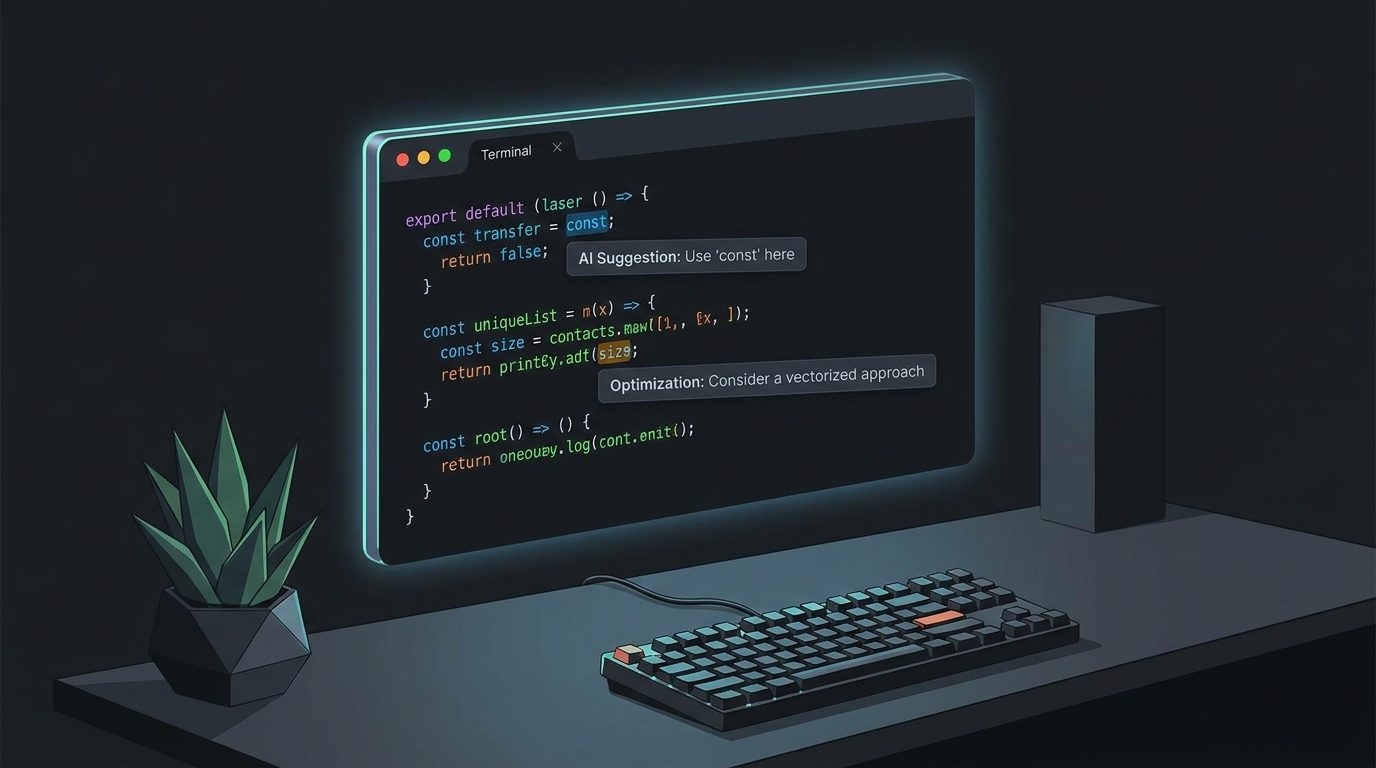
The terminal has been the primary interface for professional software development for fifty years. It is also, by many measures, the part of the developer toolchain that received the least design attention for most of that time. For the last few years that has changed. A new generation of terminal emulators has arrived — built on GPU rendering, modern configuration languages, and, increasingly, AI-assisted tooling — and the result is a genuine competition among projects with meaningfully different philosophies about what a terminal should be.
This is a survey of where that competition stands, what each major project actually offers, and how to think about the choice.
Why Terminals Got Interesting Again
Three forces converged to make terminal development interesting again. First, GPU rendering. The bottleneck for most terminals had always been the CPU cost of text rendering — rendering and compositing characters one at a time is surprisingly expensive at high frame rates. Alacritty demonstrated in 2017 that routing rendering through the GPU dramatically improved performance, making smooth scrolling and high-resolution display on large monitors tractable. Every serious terminal released since then uses GPU rendering.
Second, the growth of CLI-heavy workflows. Kubernetes, Docker, Terraform, git, cloud CLIs, AI tools like the Claude CLI and GitHub Copilot CLI — modern software development involves more terminal interaction, not less, than it did a decade ago. The terminal mattering more created incentive to improve it.
Third, AI integration. Warp's AI features represent the first serious attempt to integrate a language model directly into the terminal shell experience, and they changed what the product category could be.
Ghostty: The Speed-First Option
Mitchell Hashimoto, who founded HashiCorp and built Terraform, Vagrant, and Consul, spent years building a terminal as a side project before releasing Ghostty publicly in December 2024. The name comes from an internal philosophy: a "ghostty" terminal is one so fast and native-feeling that it disappears — you stop thinking about the terminal and only think about the work.
Ghostty is written in Zig, which gives it exceptionally fine-grained control over memory management and system calls. On macOS it uses native Apple Metal for rendering; on Linux it uses OpenGL. The result is a terminal that is measurably faster than alternatives in benchmarks testing rendering throughput, with startup times under 20ms on modern hardware.
Configuration is done via a simple key = value file (no Lua, no JSON), which makes it fast to set up but limits programmability. The feature set is intentionally complete: proper Unicode support, ligatures, image protocol (Kitty protocol), tmux-compatible multiplexing, sixel graphics. Ghostty does not add features that feel experimental; it adds features when it can implement them to its own standard.
Ghostty is open source (MIT license) and available on macOS and Linux. It has grown quickly since release — it hit 30,000 GitHub stars within months — and has developed an active community contributing themes and integrations. For developers who want the fastest possible terminal with solid fundamentals and no commercial layer, it is the current default recommendation.
Warp: The AI Terminal
Warp takes a different philosophical position: the terminal should not just be a fast renderer but a fundamentally smarter interface. Launched in 2022, Warp is built in Rust and targets productivity through several structural changes to how the terminal works.
The most distinctive is the block-based input model. In a traditional terminal, all output since the last command is a single undifferentiated scroll buffer. In Warp, each command and its output is a distinct "block" — a unit you can select, share, bookmark, copy as a permalink, or fold away. This sounds like a small change but makes navigating complex sessions significantly easier, particularly for long build outputs or multi-step debugging sessions.
Warp AI (powered by Claude and other models depending on context) allows you to describe what you want to do in natural language and get shell commands. Critically, it runs inside the terminal — not in a separate chat window — so you can say "find all files modified in the last hour" and get the find command inline, ready to run or edit. It also explains commands you paste in, suggests fixes when commands fail, and maintains session context so follow-up questions work.
Warp has a commercial model: the AI features require an account, and some collaboration features are on paid plans. The core terminal is free. The tradeoff is that Warp sends command context to its servers for AI processing, which is a consideration for security-sensitive environments. Warp offers enterprise plans with data isolation.
Warp is available on macOS, Linux, and (as of early 2026) Windows. It is closed-source, which is a dealbreaker for some.
WezTerm: The Programmer's Terminal
WezTerm occupies a middle position: GPU-accelerated, highly customizable through Lua, and packed with features that power users want. Multiplexing is built in (no tmux required), SSH integration is native (you can attach to remote WezTerm sessions), and the Lua configuration is genuinely powerful — you can write keybinding logic, conditional behavior, and status bar extensions.
WezTerm is cross-platform (macOS, Linux, Windows) and open source. It is slower to reach a polished feel than Ghostty on macOS because it uses cross-platform rendering rather than native Metal, but on Linux it is often the fastest option available. Its multiplexer is also notably more stable than tmux in certain edge cases involving Unicode and color rendering.
For developers who live in tmux-style workflows but want something more integrated and configurable, WezTerm is worth the learning curve.
Kitty: The Keyboard-Driven Option
Kitty has been around since 2017 and pioneered several terminal standards that others now support: the Kitty graphics protocol (for displaying images inline), the Kitty keyboard protocol (for more precise key event reporting), and terminal kittens (plugins for tasks like SSH multiplexing and diff display). It is GPU-accelerated, highly configurable, and actively maintained.
Kitty's philosophy is keyboard-first and extension-friendly. Its user base is heavily concentrated among Vim/Neovim users who want precise keyboard event control, since Kitty's protocol lets editors distinguish modifiers (Ctrl+Shift+key vs. Ctrl+key) that traditional terminals cannot. If your primary editor is Neovim and you have opinions about key remapping, Kitty is worth evaluating.
The Incumbents: iTerm2 and the System Default
iTerm2 remains the most-installed third-party terminal on macOS by a significant margin. It is not GPU-accelerated (it uses CoreText) and is slower than the alternatives above in rendering benchmarks, but it has an enormous feature set accumulated over fifteen years — tmux integration, triggers, profiles, annotations, shell integration — and zero-configuration appeal for people who just want something that works well out of the box.
The macOS Terminal.app is fast enough for casual use and has no memory or CPU overhead, but its configuration options are minimal and it lacks ligature and image support.
How to Choose
For most developers in 2026, the practical choice is between Ghostty and Warp — and it comes down to whether you want AI features integrated into your terminal and are comfortable with the commercial/data tradeoff.
If you want maximum speed, native platform feel, and open-source fundamentals: Ghostty. If you want AI-assisted command completion, natural language shell queries, and block-based session management, and you are on a macOS or Linux machine where the security tradeoffs are acceptable: Warp. If you live in Neovim: consider Kitty. If you want cross-platform multiplexing with Lua configuration: WezTerm.
The one thing that's clear is that the days of tolerating whatever terminal your OS ships are over for professional use. The tooling has gotten good enough that the choice of terminal emulator now meaningfully affects how much friction you encounter in a working day.