Generate cinematic AI network visualization art for tech content
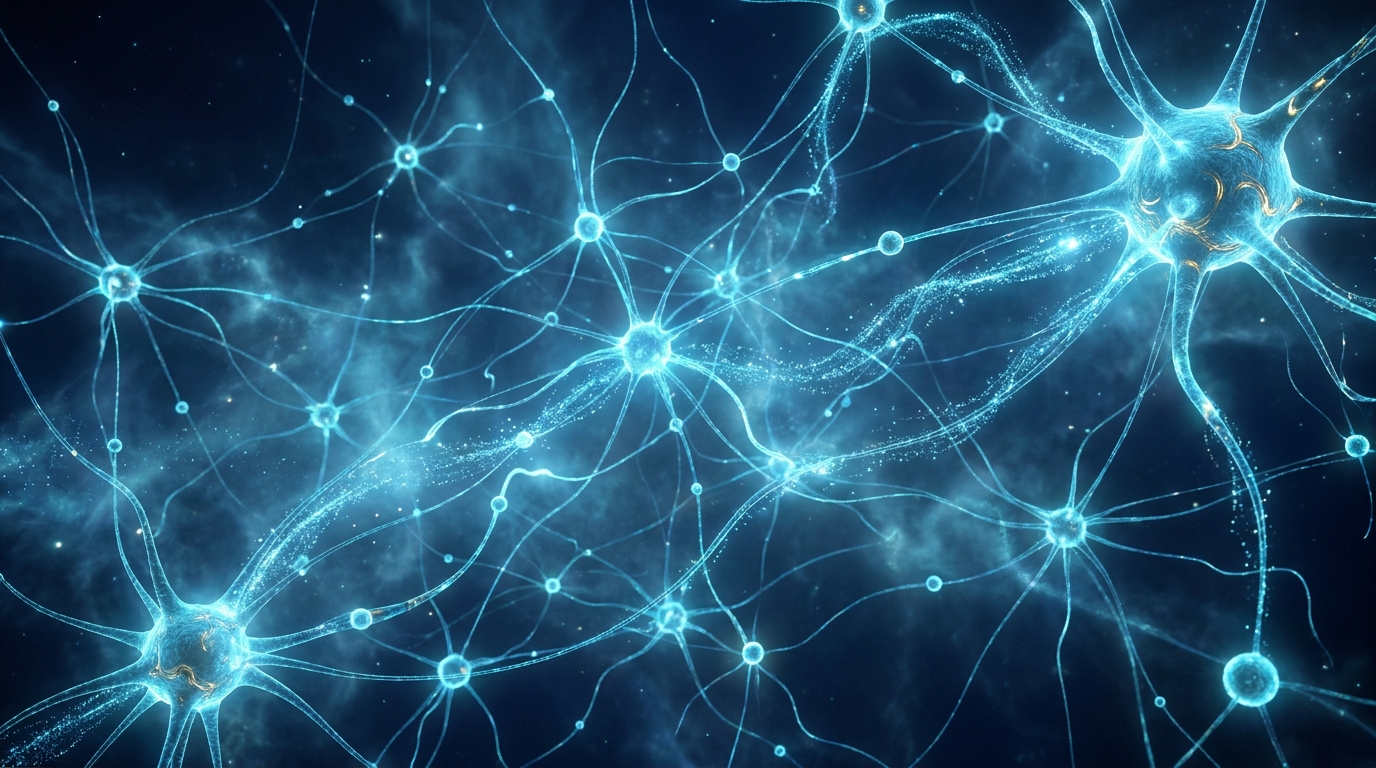
Why this prompt matters
Stock photos for AI and tech content are almost universally generic — the same blue brain, the same circuit board, the same glowing robot. This prompt template generates unique, on-brand visualizations that actually convey the abstract beauty of neural networks and data systems. Swap the bracketed variables to match your topic, color scheme, or brand palette.
What we use it for
Creating high-quality abstract AI/tech visualizations for blog headers, presentation slides, and marketing materials
Prompt
Create a cinematic abstract visualization of a [CONCEPT: neural network / data flow / blockchain / quantum circuit / code architecture].

Color palette: luminous [PRIMARY COLOR: cyan / emerald / amber / violet] and electric [SECONDARY COLOR: blue / teal / gold / purple] on a deep navy #04041a background with subtle [ACCENT COLOR: gold / rose / silver] accents on the largest hub nodes.

Style: photorealistic rendering.

Include:
- Flowing particle streams showing movement direction
- Nodes of varying sizes, from microscopic dots to large glowing hubs
- Organic curved light pathways connecting the nodes
- Depth through layered atmospheric haze
- No text, no labels, no UI elements

Aspect ratio: 16:9
Resolution: Ultra-detailed, high resolution
Generated Image
<p>Tech content has a stock photo problem. The same blue circuit board, the same glowing brain, the same humanoid robot silhouette — recycled across thousands of articles until they become visual noise. This prompt generates abstract AI network visualizations that are distinctive, atmospheric, and genuinely communicative about data and intelligence concepts.</p>
<h2>How the prompt works</h2>
<p>The template uses bracketed variables to let you customize the output without starting from scratch each time. The three key parameters are:</p>
<ul> <li><strong>[CONCEPT]</strong> — The underlying idea to visualize: neural network, data flow, blockchain, quantum circuit, or code architecture. Each produces a different structural composition.</li> <li><strong>[PRIMARY / SECONDARY COLOR]</strong> — The dominant color tone. Cyan/blue reads as cold and technical. Amber/gold reads as warm and premium. Emerald/teal reads as organic and growth-oriented. Match to your brand or the emotional tone of your content.</li> <li><strong>[ACCENT COLOR]</strong> — The highlight color applied to the most prominent nodes. Gold accents read as high-value or important. Rose accents add energy and contrast. Silver keeps it cool and neutral.</li> </ul>
<h2>Which models produce the best results</h2>
<p>This prompt is designed for models that handle abstract photorealistic rendering well:</p>
<ul> <li><strong>Gemini Imagen 3</strong> — Excellent at deep atmospheric depth and the dark background. The particle streams come out particularly fluid.</li> <li><strong>DALL-E 3 (via ChatGPT or API)</strong> — Strong structural coherence; nodes tend to be more geometrically regular, which reads as cleaner for presentation use.</li> <li><strong>Midjourney v7</strong> — Best results for purely aesthetic use; add <code>--ar 16:9 --v 7</code> at the end. The organic curves are especially good.</li> <li><strong>Stable Diffusion XL</strong> — Works well with the sci-fi aesthetic LoRA applied. Add <code>negative prompt: text, watermark, blurry, low resolution</code>.</li> </ul>
<h2>Practical customization tips</h2>
<p>A few adjustments that reliably improve outputs:</p>
<p><strong>For a lighter background:</strong> Replace <code>deep navy #04041a</code> with <code>soft white #f8f9fa</code> and remove the atmospheric haze instruction. This produces a clean minimal look suitable for product pages and light-mode interfaces.</p>
<p><strong>For more structural density:</strong> Add <code>high node density, complex interconnected mesh, fractal sub-networks</code> to the Include list. This shifts the visual from sparse and elegant to dense and overwhelming — better for conveying complexity.</p>
<p><strong>For brand color matching:</strong> Replace the color references with your exact hex codes. Most diffusion models respond well to hex specifications for the background; node colors are better described with color names plus adjectives (e.g., <code>vivid coral #FF6B6B</code>).</p>
<p><strong>For animation:</strong> The composition works as a starting frame for video tools. Import the image into Runway Gen-3 or Kling and use a flow prompt like <code>gentle particle drift, slow zoom in, no camera shake</code> to create a 5-10 second ambient loop.</p>
<h2>Rights and usage</h2>
<p>Images generated from this prompt are original outputs — not reproductions of existing artwork. For commercial use, check the terms of service of the specific model you're using (OpenAI, Google, Stability AI, and Midjourney each have different commercial licensing terms). In most cases, outputs from paid tiers are cleared for commercial use.</p>